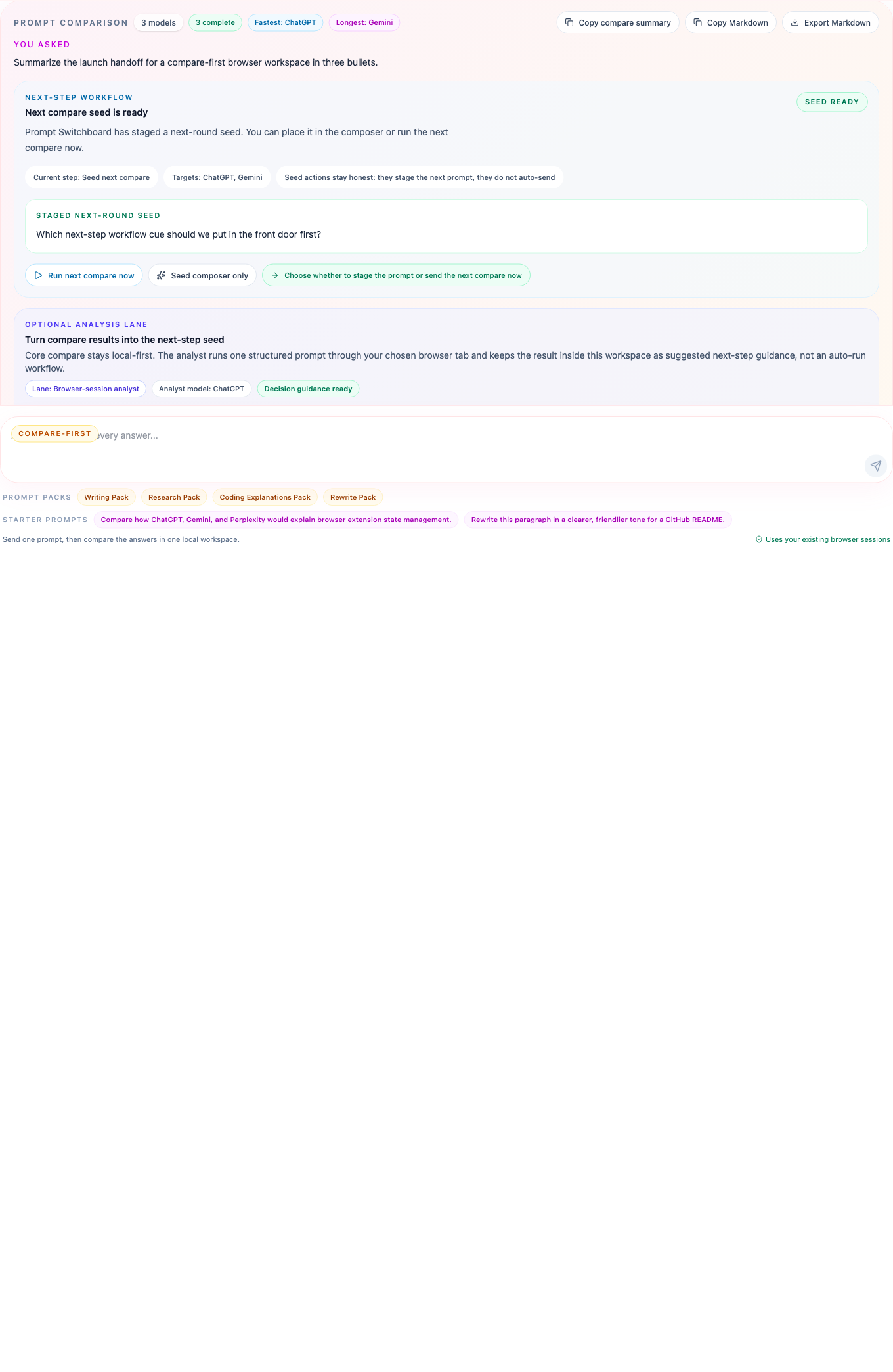
Compare ChatGPT, Gemini, and Perplexity in one local workspace.
Prompt Switchboard does not try to declare a universal winner. It gives you one clean place to run the same prompt, inspect the different answers, and move into the next round without rebuilding context by hand.
Why this page exists
You already use these tabs and want the same prompt aligned across them.
You want the trust boundary to stay inside the browser.
You want to recover failures or continue from the strongest answer without tab juggling.
What Prompt Switchboard gives you
One prompt fan-out across supported tabs you already trust
A compare board with per-model run timelines and diagnostics
Next-step seed drafting when the answers split
Readable local exports you can keep or share outside the side panel
What changes in practice
The value here is concrete: fewer duplicate prompts, less tab juggling, and one board where model differences stay visible instead of dissolving into browser history.
The compare board keeps status, response text, retry actions, and source-tab recovery in one place, which is the part that feels different from opening three tabs and hoping you remember what each model said.
Before you try this workflow
Keep the ChatGPT, Gemini, and Perplexity tabs already open in the same signed-in browser profile.
Open the side panel and check readiness before the first compare run.
Expect the product to stay inside supported AI chat surfaces, not arbitrary websites.
Good first compare prompt
Try a prompt that makes differences easy to see:
Compare the strongest launch plan for a local-first browser extension. Give me:
1. the fastest path to first user value,
2. the biggest trust-boundary risk,
3. one follow-up question I should ask next.
What to open next
Install and first run
Use the packaged GitHub Release zip, then walk through the shortest path to a clean compare run.