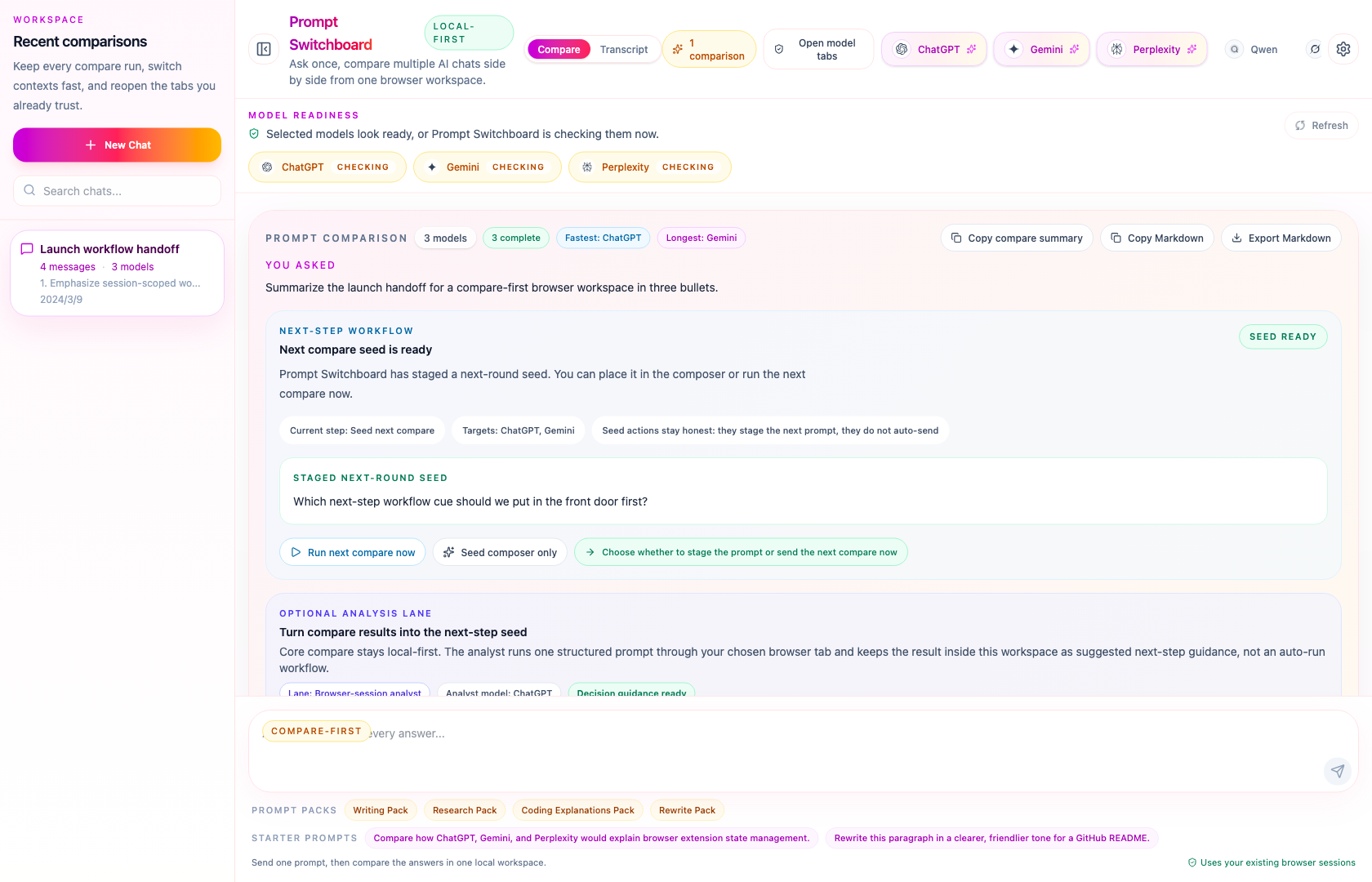
Use Prompt Switchboard when you want to compare rewriting quality, not just generate one rewrite.
This workflow fits rewriting especially well because the compare board lets you see tone, structure, and clarity differences side by side before you choose what to keep.
Good rewriting tasks
README and launch copy rewrites
Tone shifts for friendlier or sharper writing
Short summaries after a long technical paragraph
Best Prompt Switchboard fit
Start from the built-in Writing Pack or Rewrite Pack
Run the same prompt across a few supported models
Use the compare summary or Markdown export to carry the result into docs, issues, or launch notes
Why this is easier than manual rewriting rounds
Rewriting work gets messy when every version lives in a different tab. Prompt Switchboard keeps the original prompt, the competing rewrites, and the next-round decision in one board so you can judge tone and clarity without rebuilding context.
This is especially useful when the best version is not the first output you read, but the one you arrive at after comparing tone, brevity, and structure side by side.
Before you try this workflow
Keep the supported AI tabs you want already open and signed in.
Start with two or three models so the compare board stays readable.
Use one rewrite goal per run: tone shift, summary, README cleanup, or launch copy.
Starter rewrite prompt
Rewrite this paragraph for a GitHub README.
Keep the meaning the same, but make it clearer, friendlier, and easier to scan.
Return one version for maintainers and one version for first-time users.
What to open next
Prompt packs
Use the Writing Pack or Rewrite Pack as the fastest path to a useful first compare run.